Intake is not an admin task. It is the process that decides whether a new lead becomes a signed case or disappears to a competing firm.
Most law firm owners compare intake options by looking at monthly price. But the real cost of intake includes much more than a bill. It includes missed calls, slow callbacks, after-hours leads that go cold, unqualified consultations that waste attorney time, manual data entry, no-shows, and wasted ad spend. A cheap intake option can become the most expensive one if it loses high-value cases.
This article compares the real cost of three intake options: an in-house receptionist or intake coordinator, a legal answering service, and an AI intake system. The right choice depends on your lead volume, practice area, urgency, and growth goals. We will walk through actual cost drivers, pros and cons, and where each option makes the most sense.
Why Intake Cost Is More Than a Monthly Bill
Before comparing options, it helps to understand what actually costs your firm money in the intake process:
- Missed calls. If a lead calls and nobody picks up, that lead is likely calling the next firm on their list. In competitive practice areas, one missed call can mean a five- or six-figure case lost.
- Slow callbacks. Returning a call two hours later is often too late. Many leads have already spoken with another attorney.
- After-hours leads. If your firm runs Google Ads, Meta Ads, or local service ads, leads do not stop at 5 PM. Evenings and weekends generate a significant share of form submissions and calls.
- Unqualified consultations. Without proper screening, attorneys spend time on calls with people who do not have viable cases. That is expensive attorney time wasted.
- Manual data entry. Someone has to enter lead information into your case management system. If intake notes are messy or incomplete, that takes even more time.
- No-shows. Leads who are not contacted quickly or booked efficiently are more likely to skip their consultation.
- Paid ad waste. If you are paying $50–$300 per lead through ads, every lead that goes unworked is money lost.
- Staff burnout. A single intake coordinator handling calls, data entry, follow-ups, and scheduling will eventually burn out or make mistakes.
The point is simple: a low monthly bill means nothing if your intake process is leaking cases.
Option 1: In-House Receptionist or Intake Coordinator
Hiring someone to handle intake in your office gives you direct control. You can train them on your process, they learn your attorneys’ preferences, and they can build rapport with potential clients. For firms with walk-in traffic or relationship-heavy practices, having a real person at the front desk matters.
But the cost is higher than most firms initially calculate.
Typical cost components
- Base wage: $18–$25/hour is a common range for a legal receptionist or intake coordinator, depending on your market. In higher-cost metros, expect $22–$30/hour.
- 40 hours/week at $22/hour = roughly $45,760/year in base salary alone.
- Payroll taxes add 7.65% (FICA) plus state unemployment taxes.
- Benefits: Health insurance, PTO, sick days, and retirement contributions can add 20–30% on top of salary.
- Hiring and training: Recruiting, interviewing, onboarding, and training a new hire takes time and money. If they leave after six months, you start over.
- Management time: Someone at the firm has to supervise, review performance, and handle HR issues.
A reasonable estimate for the fully loaded annual cost of one in-house intake coordinator is $55,000–$75,000, depending on location and benefits.
The coverage gap
One person works roughly 40 hours a week. That leaves evenings, weekends, holidays, lunch breaks, sick days, and vacation uncovered. If your firm receives leads outside business hours, those leads are not being worked.
Hiring a second person for after-hours or weekend coverage doubles your cost. Most small and mid-size firms cannot justify that expense.
An in-house receptionist can be excellent for daytime office coordination and relationship-building, but one person cannot provide true 24/7 intake coverage.
Option 2: Legal Answering Service
Legal answering services and virtual receptionists offer human agents who answer calls on behalf of your firm. They follow a script, take messages, and in some cases, perform basic intake screening.
How answering services usually charge
- Monthly base plans ranging from $200–$500/month for a set number of minutes or calls.
- Per-minute pricing, typically $1.00–$2.50 per minute of call time.
- Per-call pricing, often $3–$8 per call.
- Overage fees when you exceed your plan’s included minutes.
- Setup fees for script creation and onboarding.
- Add-ons for after-hours coverage, bilingual agents, appointment scheduling, or CRM integration.
For a firm handling 200–400 calls per month with an average call length of 4–5 minutes, monthly answering service costs can range from $800–$2,500/month or more, depending on the provider and plan structure.
Pros
- Faster to set up than hiring staff.
- Human agents who can handle nuance and tone.
- 24/7 coverage is available with most providers.
- Lower cost than hiring multiple in-house staff for round-the-clock coverage.
Cons
- Agents are shared across many businesses. Your firm is one of dozens or hundreds they answer for.
- Quality depends on how well agents follow your script. Complex legal qualification—distinguishing a viable personal injury case from one outside the statute of limitations, for example—can be inconsistent.
- Costs rise directly with call volume. If your ad spend increases and leads double, your answering service bill doubles too.
- Notes often need manual cleanup before entering your case management system.
- You have limited control over the process, the data, and the technology.
Answering services are useful, especially as a bridge solution. But they are rented capacity, not owned infrastructure. You are paying for someone else’s team to follow your script, with variable results.
Option 3: AI Intake System
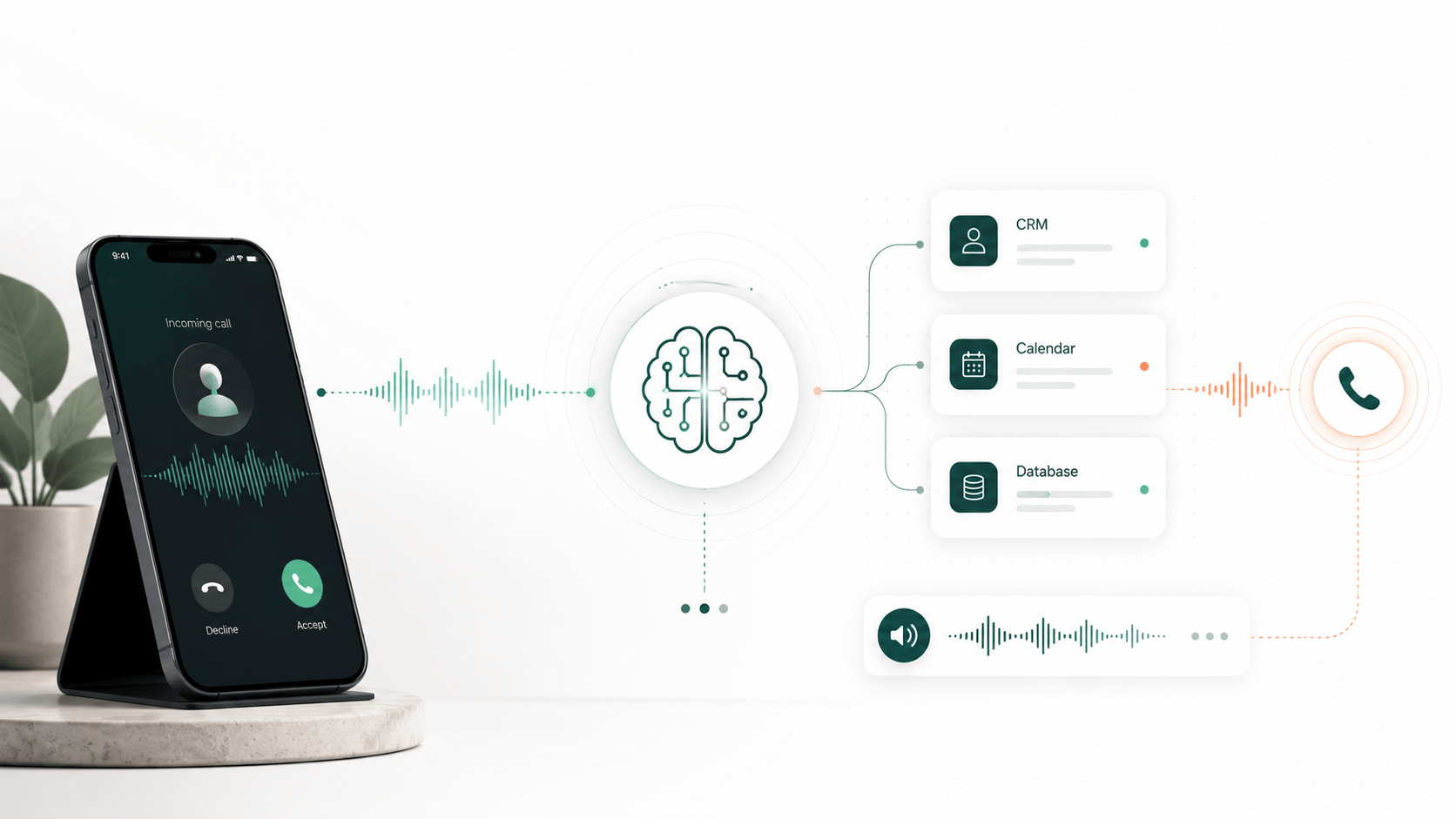
AI intake systems call or engage leads immediately after a form submission, missed call, or other trigger. The system runs the firm’s intake script, asks qualification questions, books consultations, sends summaries and transcripts to the team, and syncs data directly to the firm’s case management system—Clio, Lawmatics, Filevine, CASEpeer, MyCase, or others.
AI intake works 24/7. It does not take breaks, call in sick, or handle your calls differently at 2 AM than at 2 PM. And it scales without requiring additional human agents.
CyberCraft’s custom is built around the firm’s own intake script, qualification logic, booking flow, and case management integrations. The AI can call new leads within 15 seconds of a form submission. It qualifies leads based on the criteria the firm defines, books consultations on the firm’s calendar, and delivers structured intake notes. The firm owns the source code. There is no monthly platform subscription. After the one-time build fee, the main ongoing cost is usage-based—you pay for the calls that actually happen.
Typical cost structure
- One-time build fee for custom development, script configuration, integrations, and testing.
- Usage-based ongoing cost tied to actual call volume and duration (telephony and AI processing).
- No per-seat fees, no monthly platform subscriptions, no overage penalties.
For many firms, the monthly usage cost for AI intake is significantly lower than an answering service handling the same volume, especially as lead count grows.
Cost Comparison Table: AI Intake vs. Answering Service vs. Receptionist
| Cost Factor | In-House Receptionist | Legal Answering Service | AI Intake System |
|---|---|---|---|
| Upfront cost | Hiring, training, onboarding | Setup fee ($0–$500) | One-time custom build fee |
| Monthly fixed cost | $4,500–$6,200+ (salary/benefits) | $200–$500 base plan | None (usage-based) |
| Cost per call/minute | Included in salary | $1.00–$2.50/min or $3–$8/call | Usage-based (typically lower per call) |
| 24/7 coverage | No (business hours only) | Yes (with plan add-on) | Yes (always on) |
| Scalability | Requires additional hires | Cost scales linearly with volume | Scales with minimal cost increase |
| Script consistency | Depends on individual | Varies by agent | Consistent every call |
| Lead response speed | During office hours only | Typically under 1–3 minutes | Under 30 seconds |
| Case management integration | Manual entry | Limited or manual | Direct sync (Clio, Lawmatics, etc.) |
| Data ownership | Yes | No (vendor’s platform) | Yes (firm owns source code) |
| Best fit | Small office, walk-in traffic | Quick coverage, low-medium volume | High volume, paid ads, 24/7 needs |
Example Scenario: A Law Firm Receiving 300 Leads per Month
Consider a personal injury firm that receives 300 form and call leads per month. About 40% arrive after business hours. The average intake conversation takes 4–6 minutes. The firm runs Google Ads and needs fast lead response to stay competitive.
In-house receptionist
One full-time receptionist covers daytime hours at a fully loaded cost of roughly $5,500/month. After-hours leads (about 120/month) go to voicemail or a basic message service. If the firm hires a part-time after-hours person, add another $1,500–$2,500/month. Estimated total: $5,500–$8,000/month, with inconsistent after-hours coverage and manual data entry still required.
Legal answering service
At 300 calls averaging 5 minutes each, that is 1,500 minutes per month. At $1.50/min, that is $2,250 in usage alone, plus a base plan fee. With after-hours coverage and scheduling add-ons, the monthly bill could land in the $2,500–$3,500 range. Quality of legal screening will vary. Notes will likely need cleanup before entering the CRM. If lead volume grows to 500/month, the bill grows proportionally.
AI intake system
After the one-time build, the monthly usage cost for 300 calls at 4–6 minutes each will depend on the specific telephony and AI provider rates, but firms typically see monthly costs in the $500–$1,500 range for this volume. Every call follows the same script. Leads are contacted within seconds. Intake data syncs directly to the case management system with no manual entry. If volume increases to 500 leads, the cost increase is modest compared to hiring staff or paying per-minute answering service rates.
Note: These are typical ranges to illustrate relative cost differences. Actual costs depend on your specific call volume, intake length, coverage needs, and system complexity. Confirm current pricing with any vendor you evaluate.
Where Each Option Makes Sense
When an In-House Receptionist Makes Sense
- Small firm with mostly scheduled calls and low inbound lead volume.
- Office with regular walk-in traffic that needs a front-desk presence.
- Relationship-heavy practices where in-person rapport matters (estate planning, some family law).
- Firms with very low after-hours lead volume.
An in-house receptionist is a valuable team member, but expecting one person to also serve as a 24/7 intake system is unrealistic.
When an Answering Service Makes Sense
- Firm needs quick after-hours coverage and is not ready to invest in a custom system.
- Low-to-medium call volume where per-minute costs stay manageable.
- Basic message taking and call routing rather than deep legal qualification.
- Temporary coverage while the firm builds a longer-term intake solution.
Answering services fill a real gap, especially for firms that need an immediate upgrade from voicemail.
When AI Intake Makes Sense
- Firm runs Google Ads, Meta Ads, or local service ads and needs to work leads fast.
- Significant share of leads arrives after business hours.
- Practice area is competitive—personal injury, criminal defense, immigration, family law, workers’ comp, mass tort, employment law—and the first firm to respond often wins.
- Speed-to-lead directly affects signed case count.
- Firm wants every lead to get the same consistent intake experience.
- Firm wants to own its intake system instead of renting a SaaS platform with monthly fees.
- Firm wants to eliminate manual data entry between intake and case management.
The Hidden Cost: Lost Cases
For law firms, the biggest intake cost is often not salary, not software, and not a monthly answering service bill. It is the value of cases that were lost because the firm responded too late.
In urgent practice areas—personal injury, criminal defense, immigration, family law—leads are often contacting multiple firms at the same time. The firm that responds first has a meaningfully better chance of booking the consultation and signing the case.
If your average case value is $5,000, $15,000, or $50,000, losing even a few cases per month to slow intake response can dwarf whatever you are spending on your intake solution.
AI intake is strongest when speed and consistency matter more than simply answering the phone. It is not about replacing human connection. It is about making sure no lead waits, no lead falls through the cracks, and every lead gets a consistent, professional intake experience—whether they submit a form at 10 AM or 11 PM.
Final Verdict: Which Intake Option Is Most Cost-Effective?
There is no single right answer for every firm, but the pattern is clear:
- In-house receptionist = best for human office support, client relationships, and walk-in coordination. But expensive to scale, and it cannot cover 24/7 without additional hires.
- Legal answering service = useful for coverage, especially as a short-term solution. But costs increase with volume, quality varies across agents, and you do not own the system.
- AI intake system = best long-term option for firms that want 24/7 response, consistent qualification, automated booking, lower marginal cost at scale, and full ownership of their intake infrastructure.
For firms running paid ads, handling after-hours leads, or competing in practice areas where speed-to-lead determines who signs the case, AI intake delivers the strongest return over time.
Want to see what AI intake would cost for your firm? CyberCraft can review your current intake flow, lead volume, and case management setup, then show you what a custom AI intake system would look like.